| Kahuna Zaurus Edition Open Dialog Screenshots |
 |
First you must enter an IP and the SNMP community. If you want kahuna can fetch the devicename automatically by pressing the 'Query' button. |
 |
After entered or queried the device name, press the 'Save' button and continue with all remaing devices. |
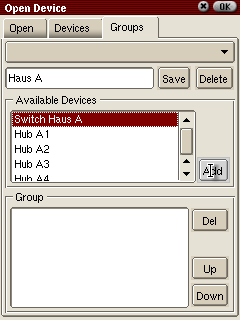 |
Now you can create device groups. A device can be a member of more than one group. Select the device(s) you want to add and and press the 'add' button. |
 |
Now enter a name for the group and press the 'Save' button |
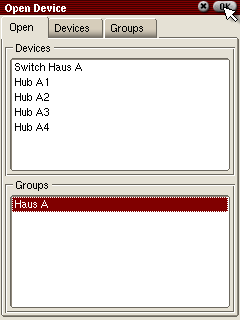 |
To open a device or group switch to the 'Open' Tab, select the devices/ groups and press 'OK' |
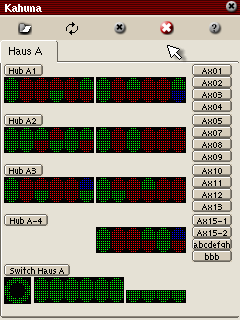 |
This is the result of our action. |