| Kahuna Zaurus Edition 3com PSHub40 Screenshots |
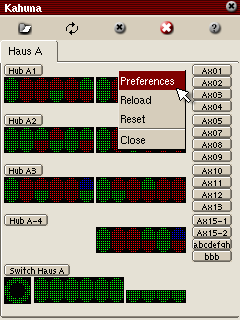 |
Right-Click on a device opens it's popup menu. (I need to change this). Selecting preferences from the popup menu or pressing the button with the hubname opens the preferences Menu. |
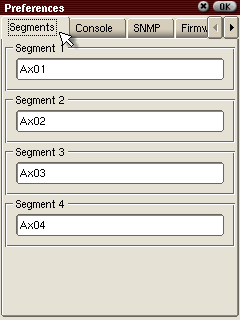 |
Here you can rename the four segments. |
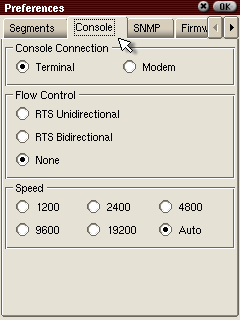 |
At the console menu you can modify the serial console setup. |
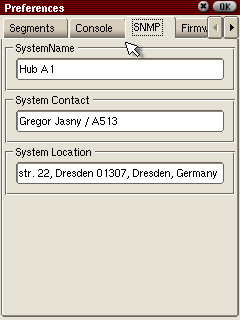 |
At the SNMP Tab you can edit the system.* information. |
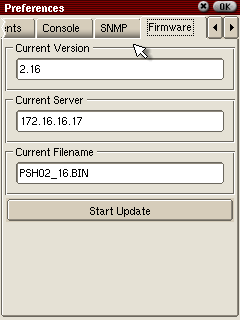 |
At the firmware tab you can start the download of new firmware to the hub. |
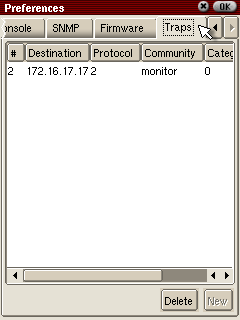 |
The Traps tab presents all destinations for SNMP traps. |
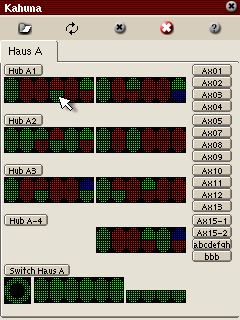 |
By clicking a port, a Port Config menu opens. |
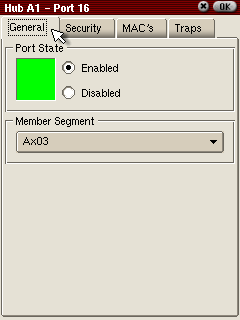 |
Here you can see the general section of a port. The green field means the link is up, red means link is down and blue means port is disables. (Yellow shows an error). At the combobox you can change the segment the port belogs to. |
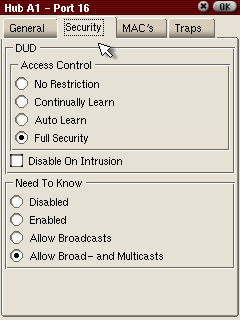 |
In the security tab you can change the security settings of a port. |
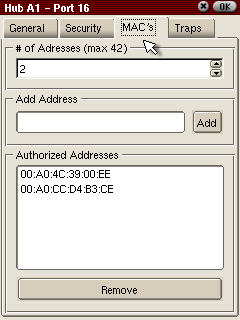 |
Here you can allow MAC addressen and set the maximum value to learn. |
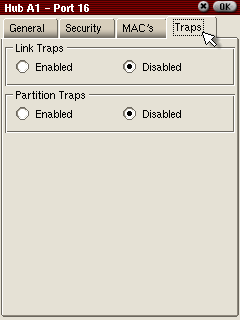 |
At the traps tab you can enable/disable Trap events. |